
Widgets
Real widgets, not decoration.
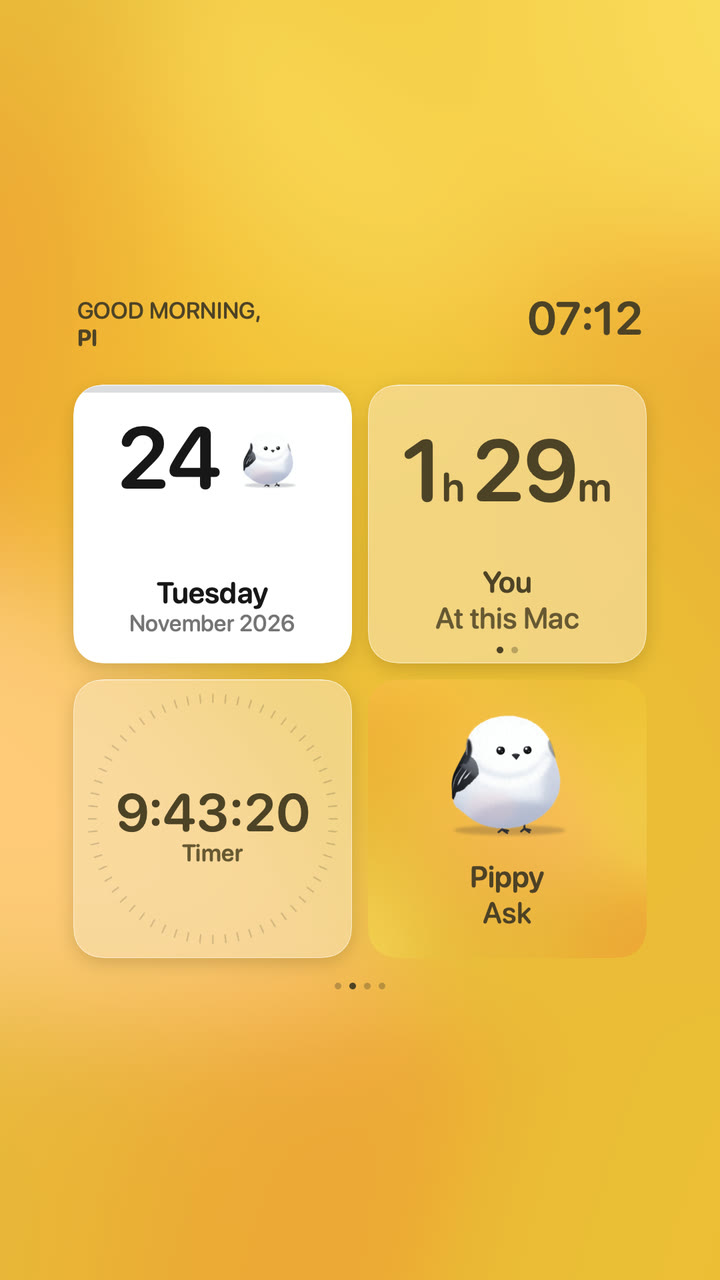
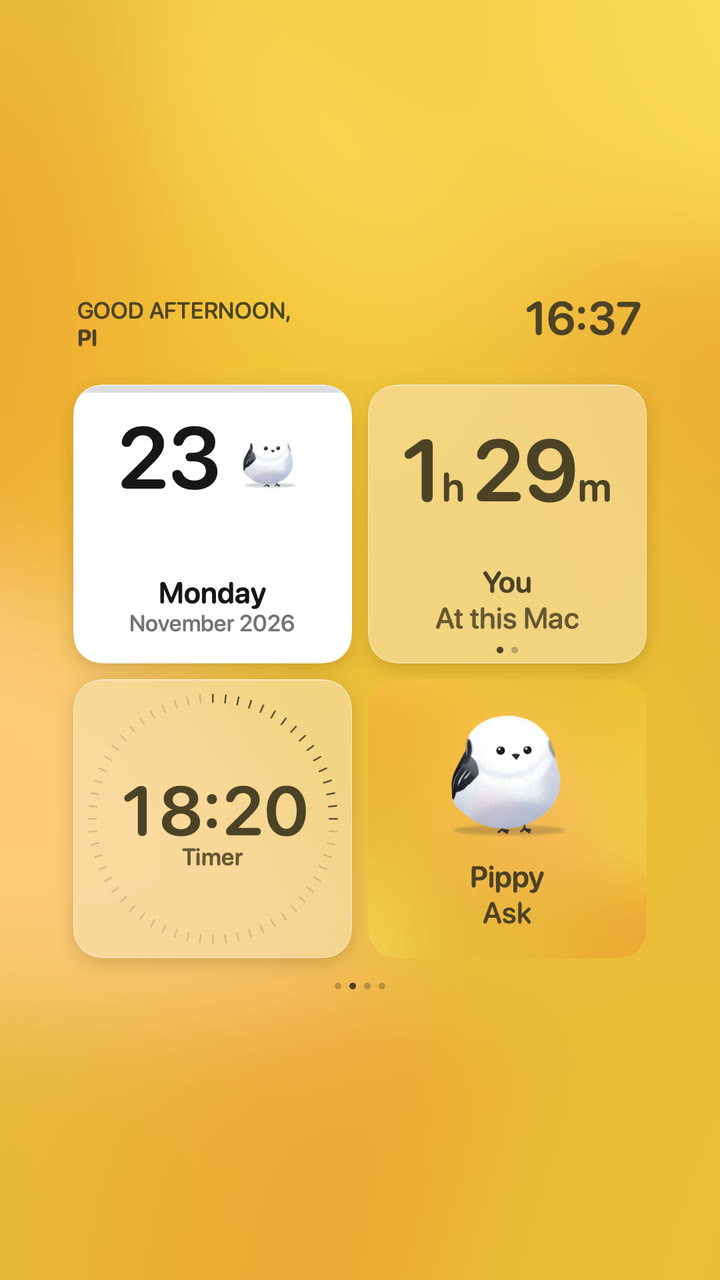
Your calendar, today's work time for you and for your AI, timers, and Pippy. Big enough to read from across the desk.
Creaty Home 1.0 · Free
Turn a spare display into a calm, living Home Screen: the time, your day, a quiet evening and a gentle morning. Touch it, or use your mouse.
For macOS Sonoma 14 or later · December 2026

Your iPhone and iPad have one. Now your Mac does too. Put any display beside it, and Creaty Home fills it with the things you glance at all day. It keeps to its own display, so it never covers your work.
Widgets
Your calendar, today's work time for you and for your AI, timers, and Pippy. Big enough to read from across the desk.
Clock
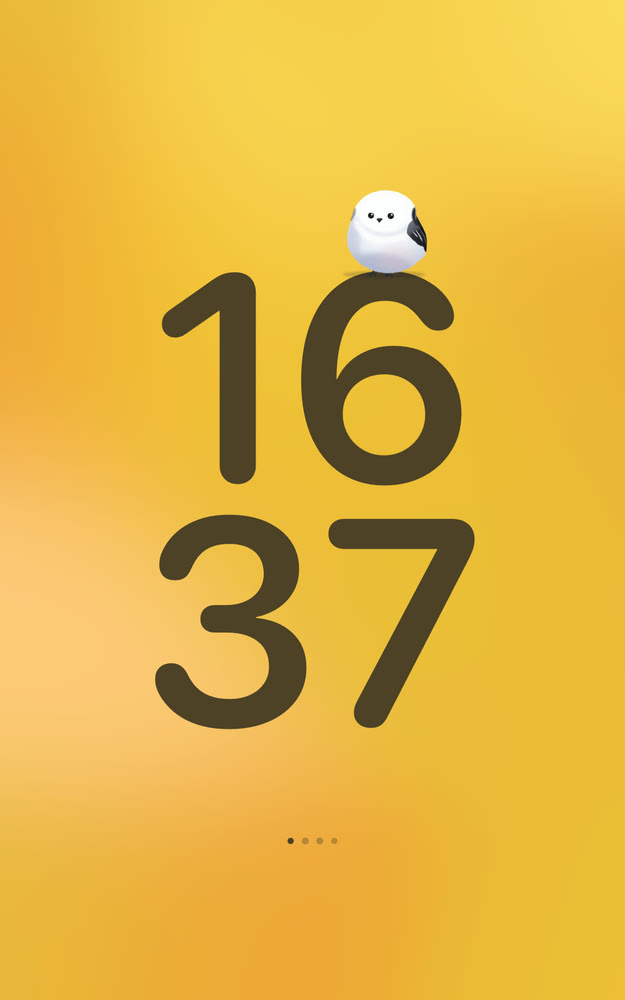
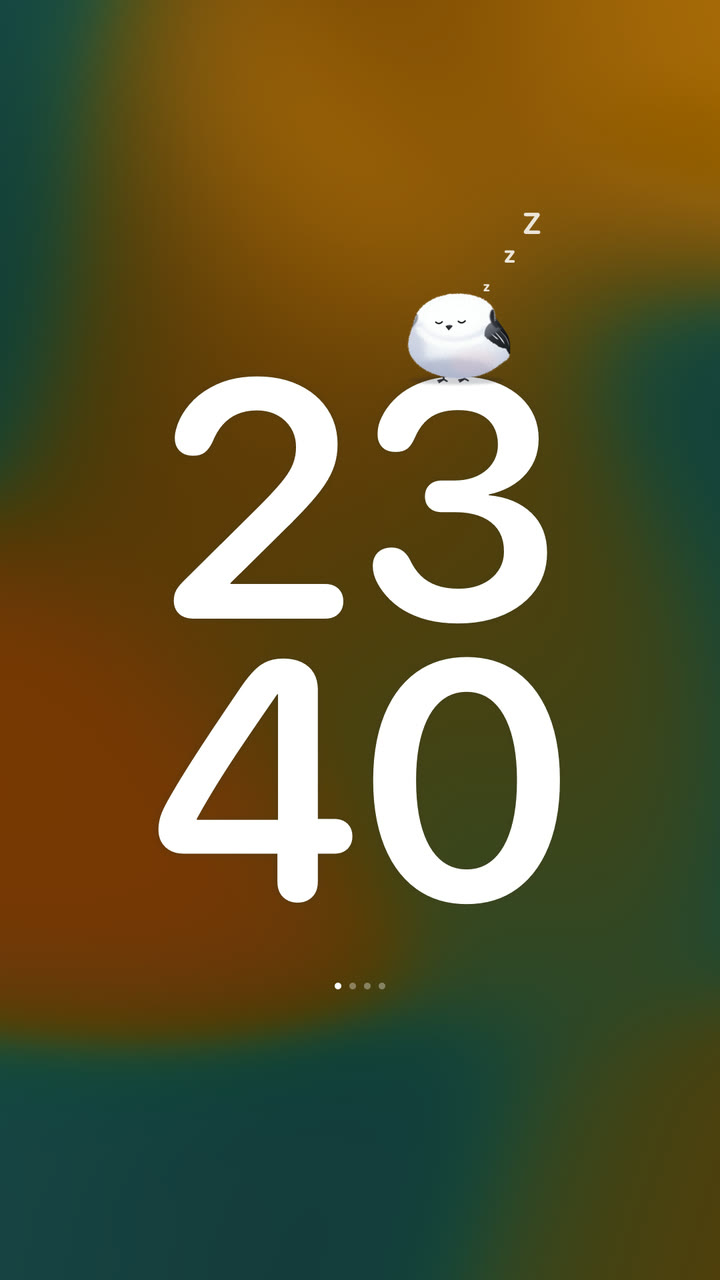
Pippy, our little shima-enaga, lands on the numbers, flies off when you swipe, and sleeps at night.
Calendar
A paper calendar, one page a day. Tear yesterday away, write a line on today, and look back over the month you wrote. Pick a clean page, or a Thai-Chinese almanac with the lunar date.
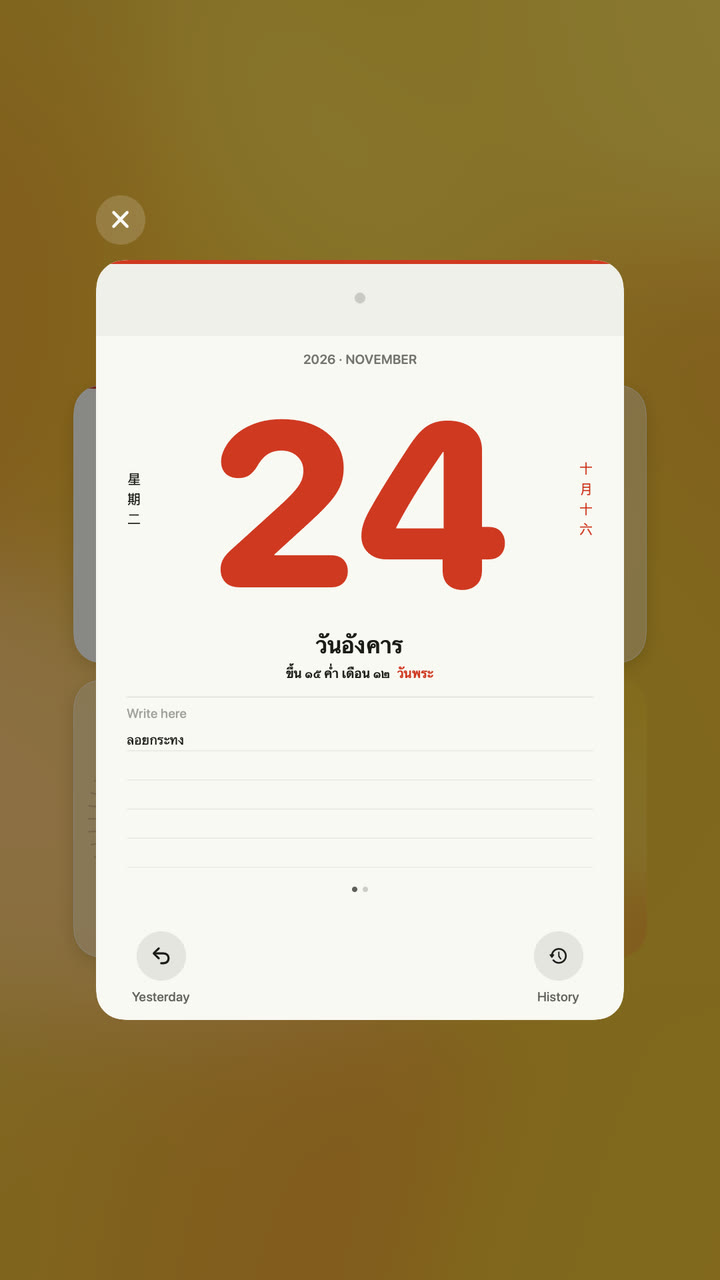
Evening
At the time you set, a candle lights up and Home asks if you'd like to breathe with it. A few slow breaths, a good night, and the screen goes dark. Not tonight? One tap and it's gone.

Morning
Before you wake, the screen brightens slowly, deep red to warm white, like the sun coming up. Then Home says good morning.


Stand a touch display up like a phone, lay it down like a TV, or use the monitor you already have. Home lays itself out for each one.
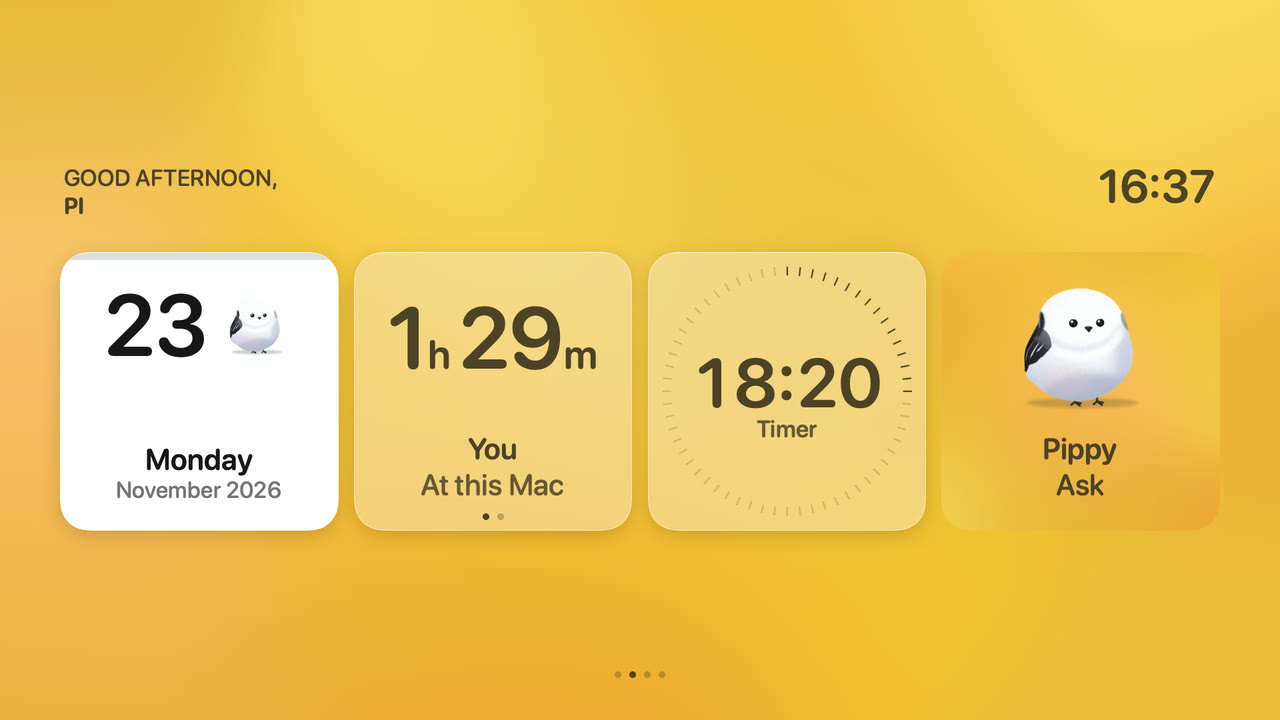
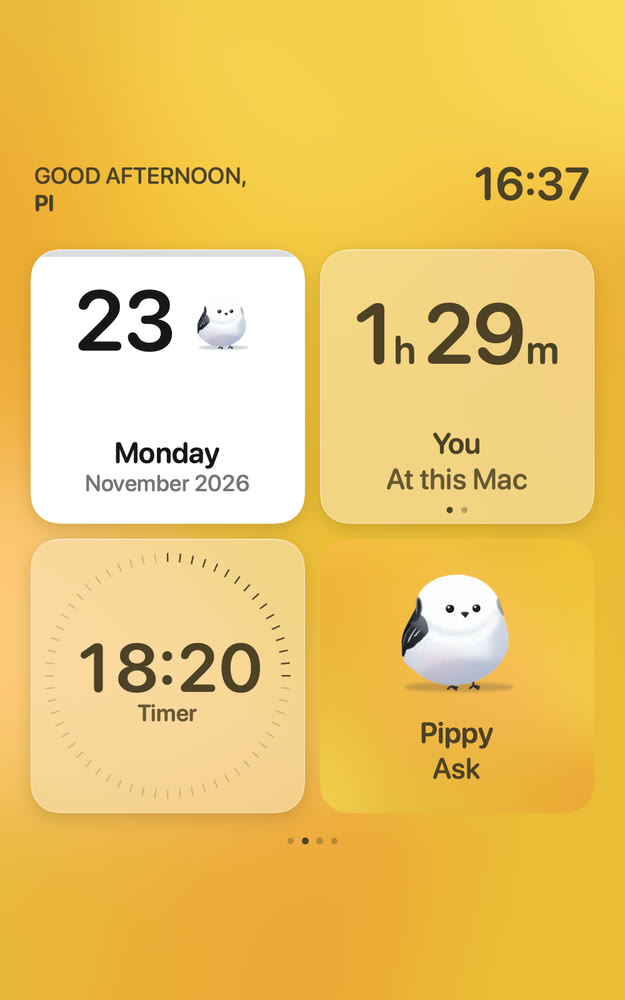
Tap a widget to open it. Swipe between pages.
Click and scroll as usual. An old monitor becomes a lovely dashboard.
Five colours that drift slowly like liquid, your name in the greeting, and English or Thai.
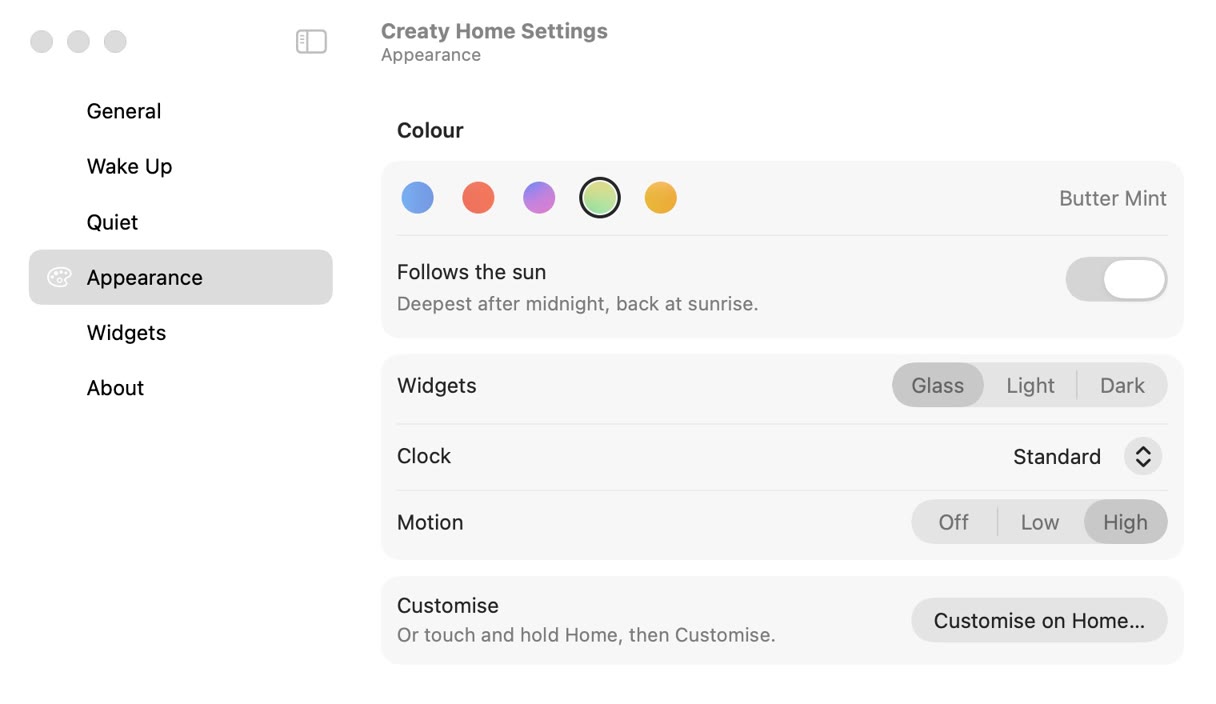
No account and no sign-up. Your calendar, your notes and your work time are read and kept on your Mac.
Sister app
Creaty Touch turns a touch display into a touch Mac: tap, scroll and zoom with your fingers across macOS. Creaty Home works beautifully with it, and on its own.
Creaty Home 1.0 is free to download and use, from December 2026.
Available December 2026 · macOS Sonoma 14 or later
Yes. Creaty Home 1.0 is free to download and use. Creaty Touch, its sister app, is sold separately.
No. Any spare monitor and a mouse make it a dashboard. With a touch display you can also tap and swipe it like an iPad.
A portable touch display or a monitor you already have, standing or lying down. Home lays itself out to fit each one.
No. Home stays on its own display. Close it whenever you like and bring it back from the menu bar.
No account is needed, and what Home shows you (your calendar, notes and work time) stays on your Mac.
Any Mac with macOS Sonoma 14 or later.
Yes. Creaty Home speaks English and Thai, and greets you by name in either.